MadCap Flare Migration Services
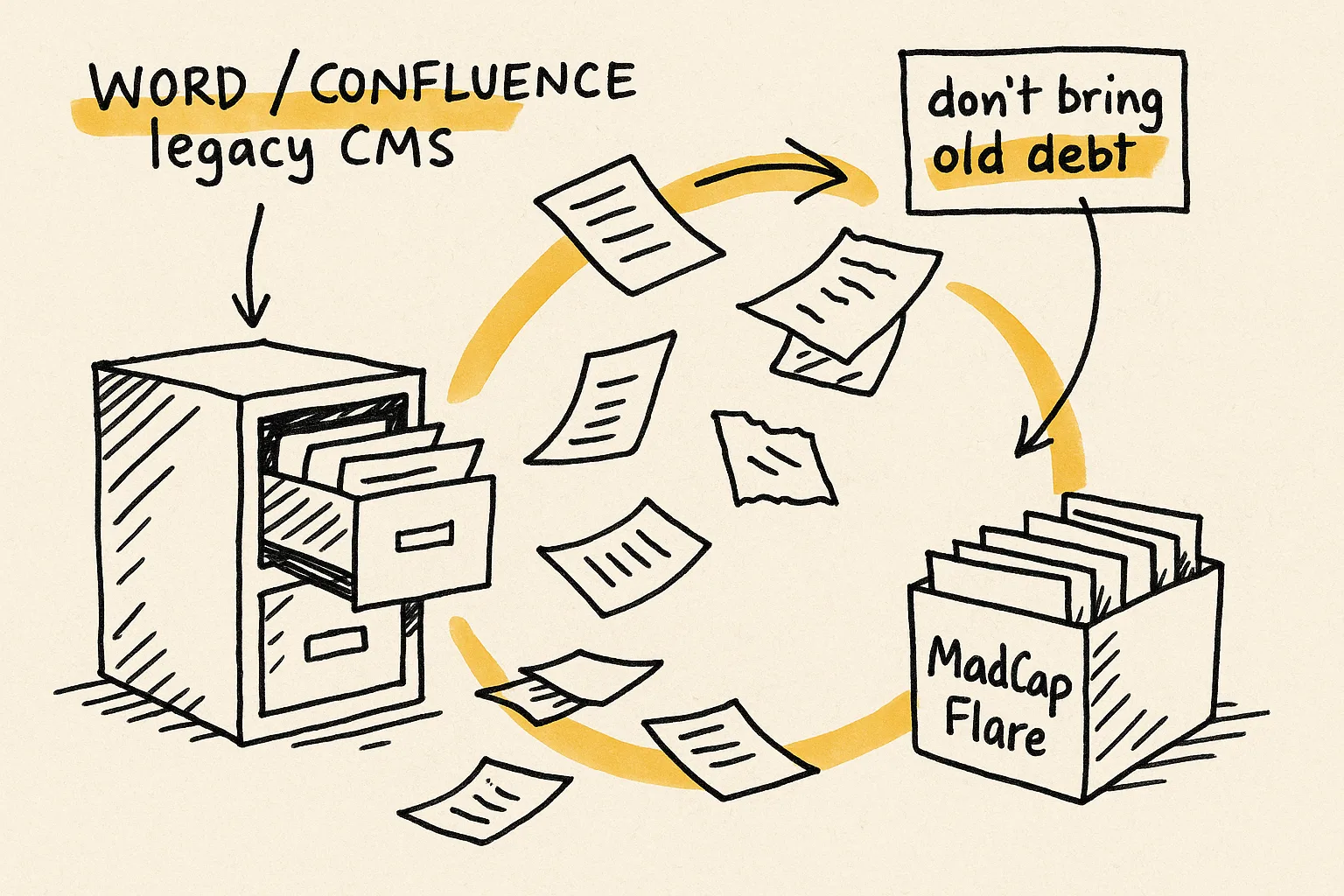
You're moving to MadCap Flare. The wrong migration locks in every flaw in your current system for the lifetime of the new one. We've migrated 500,000+ pages across 17+ years, and we treat every migration as an architectural upgrade, not a file conversion.
Migration is the one moment when restructuring is essentially free. You're already touching every file. Use that window, or pay for it for the next decade.








Why most MadCap Flare migrations fail
Most Flare migrations are scoped as file conversion. Pick a source format, run an import wizard or write a transform, validate that pages look the same, ship it. Six months later the team is on Flare but solving the same problems they had before: tangled conditions, duplicated content, broken cross-references, a stylesheet five times larger than it needs to be, and a build process nobody trusts.
The migration didn't fail because the conversion was bad. It failed because the project was scoped as conversion when it needed to be scoped as architectural redesign. See the long-form analysis in our guide on why documentation migrations fail.
What actually breaks during a Flare migration
Source build tags collapse into a single Flare condition set. Audience, product, and output-type logic land tangled. Untangling after import is weeks of work; rearchitecting before import is days.
Inline styles, vendor-specific CSS, and unused classes come over intact. Writers apply styles that look right in the editor and render wrong in the output.
Topic-to-topic links import as bare anchors. Flare's link management, with auto-updating text and broken-reference tracking, never engages.
Content that was copy-pasted across topics in the source system stays duplicated in Flare. You now own a reuse tool with nothing reused.
Layouts and master-page concepts from RoboHelp, FrameMaker, or Word don't map to Flare's master-page model. Topics arrive without the layout framework outputs depend on.
Synonyms, stop words, and search tuning from the old system don't come across. If users rely on search, you rebuild from scratch, usually after launch, when it hurts most.
What we migrate from
Whatever your documentation lives in today, we've almost certainly migrated from it. Each source system has its own pre-migration audit, transform rules, and validation checks. Start with the page that matches your source for source-specific detail:
- FrameMaker to MadCap Flare: structured FrameMaker, unstructured FrameMaker, MIF, anchored frames, cross-references.
- RoboHelp to MadCap Flare: build tags, snippets, TOCs, master pages, search.
- Word to MadCap Flare: heading-to-topic splits, style mapping, image extraction, table cleanup.
- Confluence to MadCap Flare: page hierarchy, macros, attachments, permissions translation. (Source page coming soon. Ask us in the meantime.)
- Markdown to MadCap Flare: front matter, MDX, code blocks, Docusaurus/MkDocs/Hugo flavors. (Source page coming soon. See our Markdown Plugin for the round-trip workflow.)
We've also handled DITA, AsciiDoc, DocBook, LaTeX, HelpNDoc, Author-it, Arbortext, Oxygen XML Author, Notion, GitBook, SharePoint, Zendesk Guide, CHM, HLP, JavaHelp, InDesign, FrameMaker MIF, Google Docs, and several formats that don't have widely-recognized names. If yours isn't listed, ask. Odds are good we have a transform for it or can build one in days, not weeks.

Our MadCap Flare migration process
Pre-migration audit
Inventory every topic, condition tag, snippet, variable, stylesheet, and cross-reference in the source. Identify what's structurally broken before it crosses over.
Target architecture design
Define the Flare project structure first: file layout, condition tag schema, snippet library, master pages, TOCs, targets, and output configuration. The migration converges on this design; it doesn't inherit the source's structure by accident.
Scripted conversion with transform rules
Write the transform rules once, run them across the full corpus, and validate output structurally, not just visually. Re-run cleanly when source content changes mid-project.
Validation checkpoints
Link integrity, condition coverage, snippet usage, image references, master-page bindings, and target builds, all checked automatically before any writer touches the migrated project.
Handover and team enablement
Mapping documents, transform-rule library, and the operational playbook your writers will use on day one. Plus optional follow-on support during the first few publishing cycles.
Timeline, scope, and cost
A typical 2,000-topic migration runs 4 to 8 weeks end-to-end including audit, target-architecture design, scripted conversion, validation, and handover. Smaller projects (under 500 topics) finish faster; very large or multi-source migrations run longer and benefit from a staged release plan.
Engagements typically start at $5,000. Final scope depends on source-format complexity, page count, how much restructuring you want during the move, and how many output targets you need configured.
The cheapest path is rarely the cheapest outcome. Teams that skip the audit and run the import wizard cold typically spend 2 to 4 weeks on post-migration cleanup for a 500-topic project. Teams that invest 3 to 5 days in pre-migration planning cut that to a few days. The cost of the planning is recovered before the migration even ships.
I can't thank you enough for this plugin. What a life saver! I am in the process of migrating 3 extensive product manuals from markdown to Flare, and it's just a breeze with your plugin. I can even replace tags on a page to apply different formatting. The content comes over so clean and beautiful, there's hardly any post-import work to do. I am extremely grateful and can only recommend this to anyone having to make the move from markdown to Flare.
Frequently asked questions about MadCap Flare migration
Can't we just use the MadCap Flare import wizard ourselves?
You can. The wizard gets you 70 to 80 percent of the way for most source formats. The remaining 20 to 30 percent (condition-tag rearchitecture, stylesheet cleanup, snippet extraction, cross-reference conversion, master-page binding) is where teams lose weeks. We bring scripted transforms and validation tooling that turn that cleanup phase from weeks of manual work into days of reliable automation.
How long does a MadCap Flare migration take?
A typical 2,000-topic migration takes 4 to 8 weeks including audit, conversion, validation, and handover. Smaller projects under 500 topics finish in 2 to 3 weeks. Multi-source or very large migrations (10,000+ topics) run longer and we usually plan them in staged releases so the first batch is publishing while later batches are still in conversion.
What does a MadCap Flare migration cost?
Typical engagements start at $5,000. Final scope depends on source-format complexity, page count, how much restructuring you want during the move, and how many output targets you need configured. Book a discovery call and we'll scope based on your actual content. No commitment required.
What sources can you migrate from?
RoboHelp, FrameMaker, Word, Confluence, Markdown, DITA, AsciiDoc, DocBook, HelpNDoc, Author-it, Arbortext, Oxygen XML, Notion, GitBook, SharePoint, Zendesk, CHM, HLP, JavaHelp, InDesign, Google Docs, plus several formats with no widely-recognized name. If your source isn't on the list, we've almost certainly handled something similar.
What if the migration breaks things?
Every migration includes validation checkpoints (link integrity, condition coverage, snippet usage, image references, master-page bindings, and target builds) checked automatically before any writer touches the migrated project. We catch the structural problems that visual diffing misses. With 500,000+ pages migrated, we've built tooling that surfaces the issues most teams discover too late.
How is migration different from conversion?
Conversion is changing file format. Migration done well is architectural redesign that happens during the file move, because that's the one moment in a project's life when restructuring is essentially free. See our dedicated page on MadCap Flare conversion for the deeper distinction and the lift-and-shift trap.
Do you handle ongoing maintenance after the migration?
Optionally, yes. Most teams take the migrated project plus the mapping documents and operate it themselves. Others keep us on a low-frequency retainer for the first 3 to 6 publishing cycles to catch issues and tune the transform rules as source content evolves. Either model works.
Get a MadCap Flare migration plan, not just a quote.
Five minutes, no email. Prefer to talk it through? Book a 30-minute migration teardown, or send 3 sample files for a mini audit.
500K+ pages migrated · 17+ years · Typical projects from $5,000 · 4 to 8 weeks for a 2,000-topic migration.