MadCap Flare Conversion
Most "MadCap Flare conversion" projects are file-format changes wearing a strategy hat. The output technically lands in Flare. The architecture is still the old one. We do it the other way: design the target Flare architecture first, then convert into it.
Conversion is the moment your content's structure is malleable. Spend it well and you skip a year of cleanup. Spend it on lift-and-shift and you'll pay for the shortcut for the lifetime of the new system.








Conversion is not the same as migration
People use the words interchangeably. They shouldn't. Conversion is what the transform engine does — moving content from one structured representation to another. Migration is the larger project: scope, audit, architecture design, conversion, validation, and handover. Treating migration as nothing but conversion is the single most common reason MadCap Flare projects underperform after launch.
This page is about the conversion step done right — what it should produce, what it should not produce, and how the transform rules differ from a default import wizard. For the full project scope, see our MadCap Flare migration services.
The lift-and-shift trap
Every page imports. Every link resolves in the editor. Targets build cleanly. The team declares victory and moves on. None of this measures whether the structure is sound.
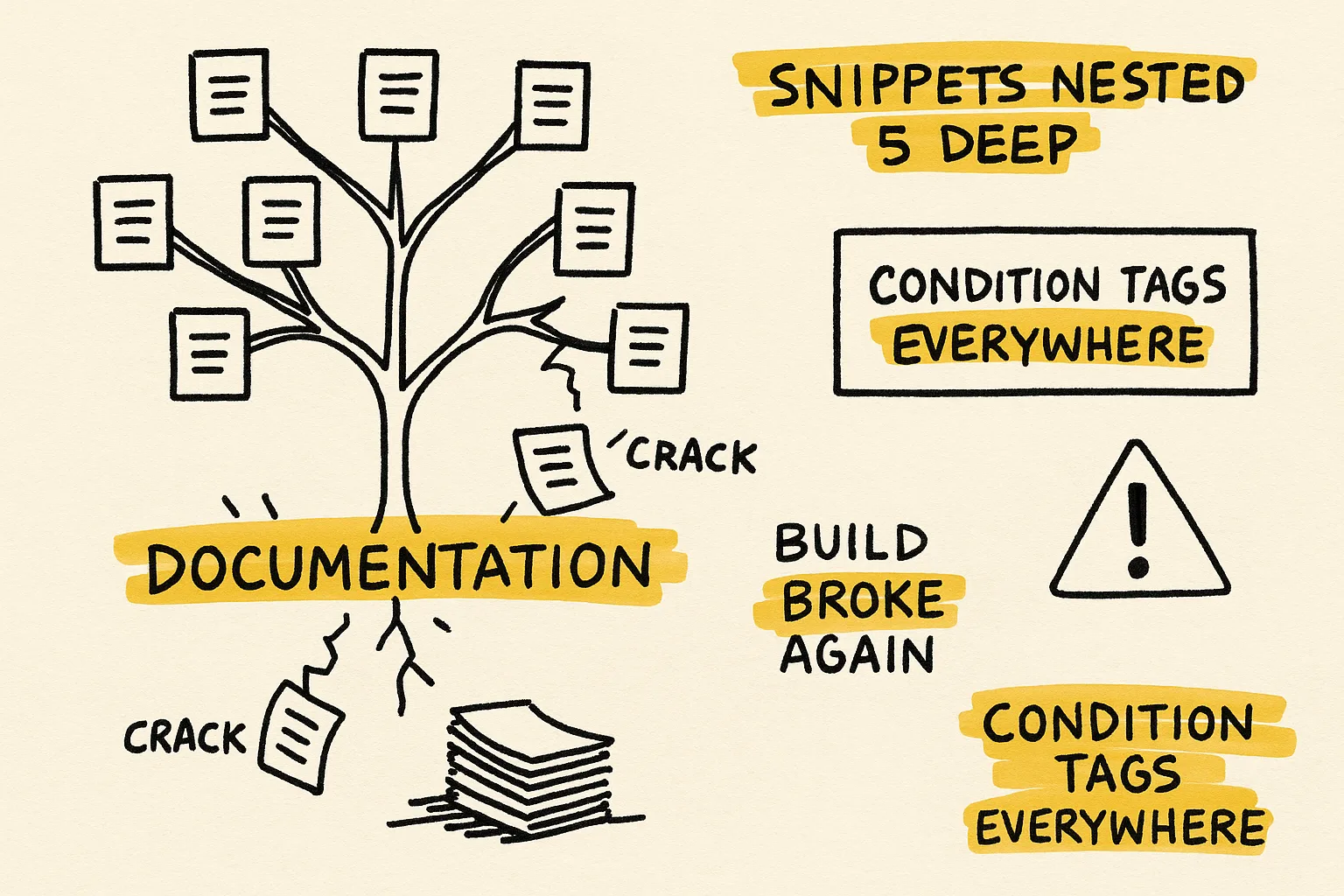
Folder layout, naming conventions, condition logic, and reuse patterns from the source system arrive intact — including the parts that were already broken when the project started.
"We'll restructure after go-live" is the most expensive sentence in technical communication. Once content is in production, nobody has time to restructure 2,000 topics. The cleanup gets deprioritized, then forgotten.
The team has Flare. They don't have the benefits of Flare. Reuse is still copy-paste. Builds are still slow. Search still returns junk. The migration moved platforms without solving the underlying problems.
The target architecture you should define first
Before a single file is converted, the target Flare architecture should be on paper. The conversion then becomes a deterministic mapping into that architecture — not an inheritance of whatever the source happened to have.
The minimum target spec includes:
- File and folder layout — Content/, Project/, Resources/, by product / module / output, not by writer or year.
- Condition tag schema — separate tag sets for audience, product, output type, and lifecycle. Never one flat bucket.
- Snippet library — which content fragments are reused, where they live, and the naming convention writers will follow.
- Variable set — product names, version numbers, support URLs, regulated phrasing — anything that should live in one place.
- Master pages and page layouts — what the output frame is, how headers/footers behave, how PDF differs from web.
- TOCs and targets — one TOC per output, or shared TOCs with condition filters; matched to the deliverable plan.
- Stylesheet hierarchy — base CSS, target-specific overrides, medium queries; with explicit decisions about what does and doesn't get inherited.
- Build and validation pipeline — local builds, CI builds, link checks, condition coverage, output diffs.
Designing this up front takes two to five days. It saves weeks of post-conversion rework. It also gives the conversion rules a clear destination, which is what makes a scripted, repeatable conversion possible.
How transformation rules cut cleanup time
An out-of-the-box import does one pass over the source and produces "near-Flare" XHTML. A proper conversion pipeline applies transform rules — small, composable, version-controlled operations that turn near-Flare XHTML into the architecture you actually want.
Examples of rules that routinely save weeks:
- Collapse five inline-style variants of a callout into one snippet reference.
- Promote inline "Note:" / "Warning:" paragraphs into structured admonition blocks.
- Map source build tags onto a multi-tag-set Flare condition schema.
- Replace hard-coded product names and version strings with Flare variables.
- Convert topic-to-topic anchors into Flare cross-references with auto-updating link text.
- Strip vendor-specific CSS, normalize class names, and collapse duplicate selectors.
- Split long heading-driven documents into Flare topics on the correct heading level.
- Extract embedded images, rename them on a consistent scheme, and update references.
Each rule is small. Together they're the difference between a Flare project that needs three weeks of writer-driven cleanup and one that is publishable on day one. The rule library is reusable — when the source content updates mid-project, you re-run cleanly instead of redoing manual fixes.
Which source systems need custom handling
Every source format has its own conversion gotchas. The shortest path to a working conversion is to start from the source-specific page, which lays out what imports cleanly and what doesn't:
- FrameMaker to MadCap Flare conversion — anchored frames, cross-references, MIF round-trips, structured vs. unstructured.
- RoboHelp to MadCap Flare conversion — build tags, snippet equivalents, TOC mapping, search rebuild.
- Word to MadCap Flare conversion — heading-based topic splits, style mapping, image extraction, table cleanup.
For Confluence, Markdown (incl. MDX, Docusaurus, MkDocs, Hugo), DITA, AsciiDoc, DocBook, Notion, GitBook, SharePoint, Zendesk, and legacy help formats (CHM, HLP, JavaHelp), the same principles apply but the transform rule libraries differ. Ask us about your specific source — we've almost certainly handled it.
What a clean imported Flare project looks like
The Flare project that comes out of a well-designed conversion has six measurable properties:
- Every link resolves and uses Flare cross-references where appropriate. No bare anchor tags pretending to be cross-references.
- Condition tags are organized by purpose into distinct sets. Audience, product, output type, and lifecycle each have their own tag set, not a single flat bucket.
- Reused content lives in snippets, not copy-paste. If the same paragraph appears in five topics, it's one snippet referenced five times.
- Variables hold the volatile strings. Product names, version numbers, support URLs, and regulated phrasing are all variables, not hard-coded text.
- The stylesheet is the size it should be. No leftover vendor CSS, no duplicate selectors, no rules that contradict Flare defaults.
- Every target builds without warnings on a fresh checkout. CI catches regressions before writers do.
If your existing Flare project doesn't have these properties — even if it was "converted successfully" a year ago — that's structural debt from the conversion phase, and it's recoverable. Run the free Flare Bottleneck Diagnosis to see which fixes will move the most.
I can't thank you enough for this plugin. What a life saver! I am in the process of migrating 3 extensive product manuals from markdown to Flare, and it's just a breeze with your plugin. I can even replace tags on a page to apply different formatting. The content comes over so clean and beautiful, there's hardly any post-import work to do. I am extremely grateful and can only recommend this to anyone having to make the move from markdown to Flare.
Frequently asked questions about MadCap Flare conversion
What's the difference between MadCap Flare conversion and migration?
Conversion is the transform step — moving content from one structured representation to another. Migration is the larger project: audit, target-architecture design, conversion, validation, and handover. You can convert without migrating well. You can't migrate well without converting deliberately.
Can we just use Flare's built-in import for our source format?
Yes, for a first pass. Flare's import wizards get you 70 to 80 percent of the way for most supported sources. The remaining 20 to 30 percent — condition rearchitecture, snippet extraction, cross-reference conversion, stylesheet cleanup — is the cleanup work that determines whether the converted project is publishable on day one or needs weeks of writer-driven repair.
How long does a MadCap Flare conversion take?
The conversion step itself runs in hours once the transform rules are written. The full migration project, including audit, target-architecture design, validation, and handover, typically takes 4 to 8 weeks for a 2,000-topic project. Larger or multi-source projects run longer and are usually staged.
What does a MadCap Flare conversion cost?
Engagements typically start at $5,000. Final scope depends on source-format complexity, page count, how much architectural restructuring you want during conversion, and how many output targets you need configured.
Can you re-do a conversion that didn't go well the first time?
Yes, and it's a common engagement. We audit the existing Flare project, identify the structural debt that came in from the original conversion, and either fix it in place or re-convert from the original source against a cleaner target architecture. Which approach is cheaper depends on how far the project has drifted since launch.
Do you provide the transform rules so we can re-run them ourselves?
Yes. The rule library is delivered as part of the engagement, with mapping documents and an operational playbook. If source content updates mid-project or you need to re-convert a subset later, you can re-run cleanly instead of redoing manual fixes.
Send sample files. We'll show you the conversion plan before you commit.
500K+ pages converted · 17+ years · Typical engagements from $5,000.
No NDA required for the first look. We'll come back with what your conversion will actually look like — including the parts the import wizard won't catch.