RoboHelp to MadCap Flare Migration
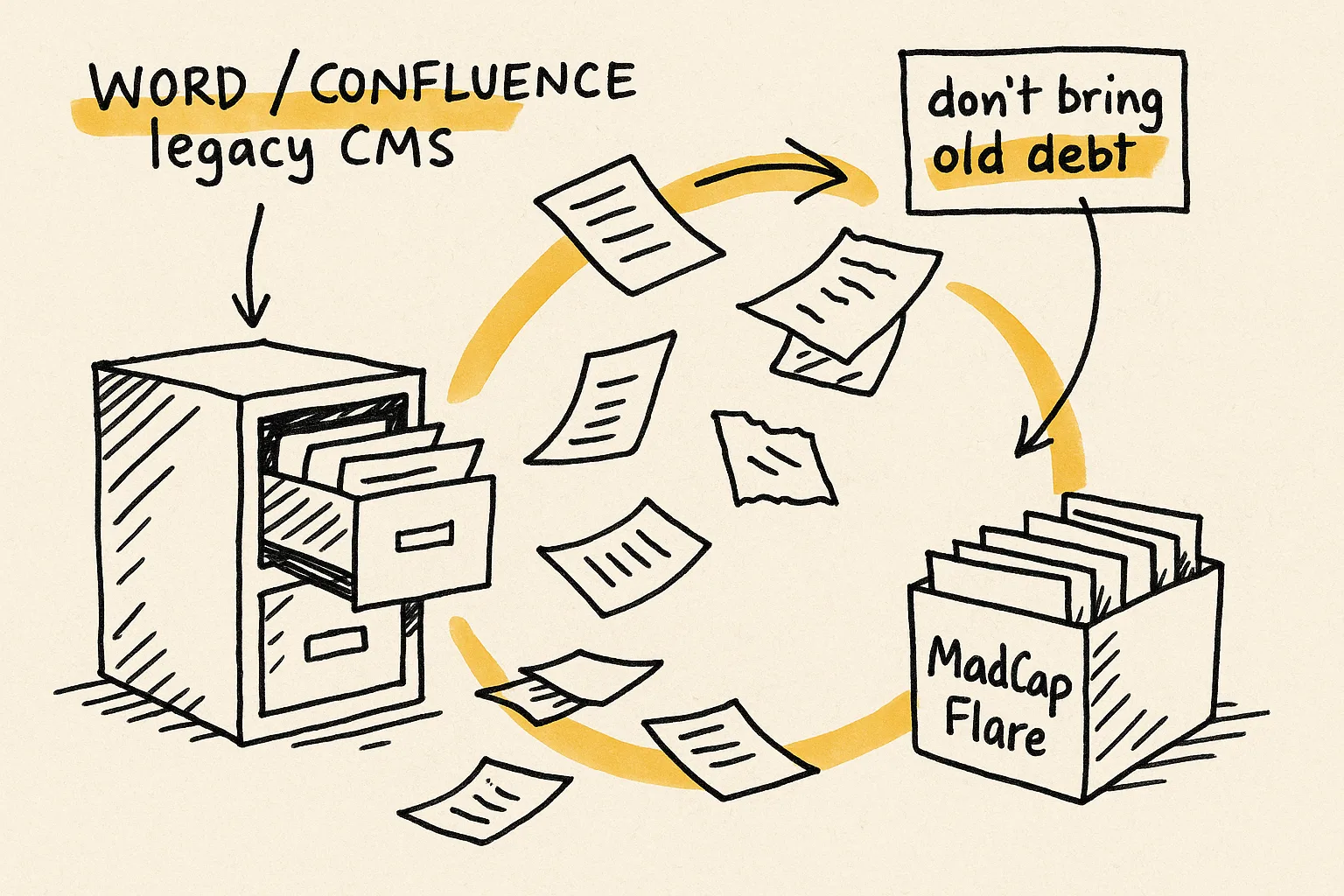
Flare has a RoboHelp import wizard. It gets you 70 to 80 percent there. The remaining 20 to 30 percent (condition tag rearchitecture, snippet extraction, master-page binding, search rebuild) is where teams lose weeks. We've done this migration across 500,000+ pages. Here's what the wizard handles, what it doesn't, and what to fix before you start.





What imports cleanly from RoboHelp
The RoboHelp import wizard reliably handles:
- Topic XHTML conversion with most basic formatting preserved.
- TOC structure mapped to a Flare TOC (one-to-one).
- Build tags mapped to a single Flare condition tag set.
- User-defined variables mapped to Flare variables.
- Index keywords mapped to Flare index entries.
- Stylesheets imported as-is (which is usually a problem; see below).
- Images and most embedded media (with caveats around path resolution).
For small, well-maintained RoboHelp projects with a single output and minimal conditional content, the wizard often produces a usable Flare project. Most enterprise RoboHelp projects need more.
What does not survive the import
RoboHelp build tags collapse into a single Flare condition set, regardless of what they were doing. Audience filters, product variants, and output-type flags all end up in one bucket. Flare's multi-tag-set model is more powerful, but only if you set it up before import, not after.
RoboHelp CSS imports with duplicate selectors, vendor-specific hacks from older RoboHelp versions, and rules that conflict with Flare defaults. The result is a stylesheet 3 to 5 times larger than it needs to be, with styles that render differently in the editor than in the output.
RoboHelp doesn't have a snippet system as flexible as Flare's. Content copy-pasted across topics in RoboHelp stays duplicated in Flare. You now own a powerful reuse tool with nothing reused.
Topic-to-topic links come in as bare anchor tags. Flare's cross-reference system, with auto-updating link text and broken-reference tracking, never engages on imported links.
RoboHelp's master page concept doesn't align with Flare's master-page / page-layout model. Topics arrive without the layout framework that Flare outputs depend on. Page layouts need to be built and bound after import.
RoboHelp's search synonyms, stop words, and tuning don't transfer. If users rely on search, and they always do, the configuration is rebuilt from scratch, usually after launch when it hurts most.
Pre-migration cleanup checklist
- Inventory build tags. List every tag and what it controls. Group them by purpose (audience, product, output type, lifecycle) and plan the multi-tag-set Flare condition schema before import.
- Audit the stylesheet. Remove unused styles, prune RoboHelp-version-specific CSS, and document which classes should map to Flare's class hierarchy. The cleaner your source CSS, the cleaner the import.
- Identify reuse candidates. Find content duplicated across topics. Plan which pieces become Flare snippets. Snippet architecture is far easier to create during conversion than to retrofit after.
- Audit cross-references. List all topic-to-topic links. Decide which should become Flare cross-references (auto-updating text, link management) versus which remain hyperlinks.
- Plan the page-layout spec. Document the running headers, footers, page numbering, and chapter-title behavior. This becomes the Flare page-layout build.
- Test with 20 representative topics. Import them first. Build every target type. Review the output carefully. The problems you find in 20 topics will be the same problems across 2,000.
- Document mappings. Build a mapping doc covering conditions, styles, variables, file layout, and TOC strategy. This becomes the operational playbook your writers use on day one.
For the deeper breakdown of the structural differences between the two platforms, see our blog post on RoboHelp to MadCap Flare: what actually breaks and how to fix it before you start.
Recommended migration workflow
Audit
Inventory build tags, stylesheets, variables, cross-references, snippets candidates, and master pages. Identify what's structurally broken before conversion.
Target design
Define the Flare project: multi-tag-set condition schema, snippet library, page-layout spec, TOC strategy, target plan, and CSS hierarchy.
Source cleanup
Prune unused conditions, normalize the stylesheet, resolve broken links and unresolved references. Cleaner source produces a cleaner import.
Scripted conversion
Run the Flare RoboHelp import with the mapping from step 2, then apply transform rules: rearchitect conditions across tag sets, extract snippets from duplicated content, convert anchor links to cross-references, and bind master pages.
Validation and handover
Link integrity, condition coverage, snippet usage, image references, master-page bindings, search-config rebuild, and target builds, all checked before any writer touches the Flare project. Mapping docs + playbook delivered.
Typical timeline and risk profile
A typical RoboHelp-to-Flare migration of a 2,000-topic project runs 4 to 8 weeks end-to-end. Larger RoboHelp projects (5,000+ topics) or multi-project RoboHelp libraries are usually staged.
The highest-risk items in a RoboHelp migration are usually:
- Build-tag rearchitecture. If your project has more than five build tags doing more than one job, design the target Flare schema before import, not after.
- Snippet extraction. The most valuable cleanup happens during conversion, not after. Identify reuse candidates in the audit so the transform rules can pull them out.
- Search rebuild. Plan for a search configuration rebuild before launch. Don't assume the imported search "just works."
Engagements typically start at $5,000. Final scope depends on topic count, condition complexity, output target count, and how much architectural restructuring you want during conversion.
I can't thank you enough for this plugin. What a life saver! I am in the process of migrating 3 extensive product manuals from markdown to Flare, and it's just a breeze with your plugin. I can even replace tags on a page to apply different formatting. The content comes over so clean and beautiful, there's hardly any post-import work to do. I am extremely grateful and can only recommend this to anyone having to make the move from markdown to Flare.
Frequently asked questions about RoboHelp to Flare migration
Can we just run Flare's RoboHelp import wizard ourselves?
You can, and the first 70 to 80 percent will look right. The remaining 20 to 30 percent (condition rearchitecture, snippet extraction, cross-reference conversion, stylesheet cleanup, master-page binding, search rebuild) is what determines whether the resulting Flare project is publishable on day one or needs weeks of writer-driven repair. Teams that run the wizard cold typically spend 2 to 4 weeks on post-migration cleanup for a 500-topic project. Teams that invest 3 to 5 days in pre-migration planning cut that to a few days.
Does Flare import RoboHelp HTML projects, RoboHelp Classic, or both?
Both. Flare imports legacy RoboHelp Classic .xpj projects and modern RoboHelp .rhpj HTML projects. The wizard differs slightly between them, and so do the cleanup patterns. We handle both regularly.
What happens to our RoboHelp build tags?
They come in as a single Flare condition tag set. That's a flat mapping of what's usually a multi-purpose schema in RoboHelp (audience, product, output type). The Flare model supports multiple tag sets, which is more powerful, but you have to design the target schema before import and rearchitect with transform rules during conversion. After-the-fact rearchitecture is possible but tedious.
Do RoboHelp snippets convert to Flare snippets?
RoboHelp's snippet system is more limited than Flare's. Content that was copy-pasted across topics in RoboHelp, which is common, stays duplicated in Flare. The migration is the right moment to extract those into proper Flare snippets, with transform rules that find candidates by content fingerprint rather than relying on manual review.
How do we handle our RoboHelp search configuration?
Plan to rebuild it. RoboHelp's synonyms, stop words, and search tuning don't transfer to Flare's search system. We treat search-config rebuild as a separate workstream in the migration plan, scheduled to land before launch, never after.
Can you migrate from a legacy RoboHelp version we no longer have a license for?
Often yes, depending on the version and source files available. We can read RoboHelp Classic project files directly and have transform paths for several legacy versions. Send a sample project and we'll confirm what's recoverable.
Send a RoboHelp project. We'll show you the conversion plan before you commit.
Five minutes, no email. Prefer to talk it through? Book a 30-minute migration teardown, or send a sample project for a mini audit.
500K+ pages migrated · 17+ years · Typical RoboHelp projects from $5,000 · 4 to 8 weeks for a typical 2,000-topic project.
Back to MadCap Flare migration services · Related: MadCap Flare conversion · Deep dive: RoboHelp to Flare: what actually breaks.